Eagle One
Campus life, all in one place.
Dining, shuttles, coursework and campus alerts, arranged around the day you’re actually having.
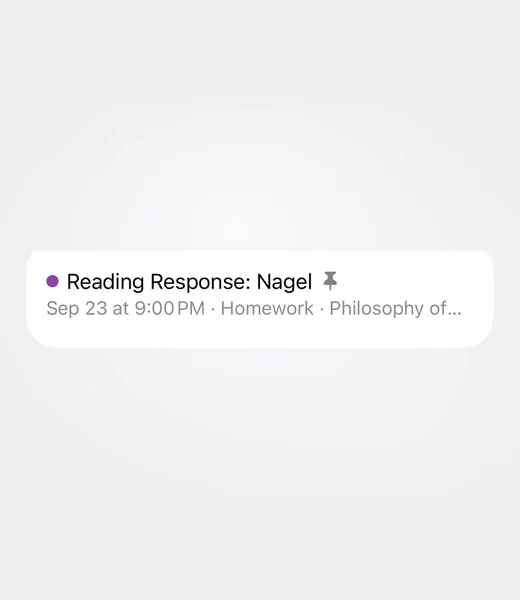
An independent app for one campus, built by a student who got tired of checking four websites to answer one question. Nothing here is official, and nothing here is guessed at. It reads what the university already publishes and lays it out the way a day actually runs.
-
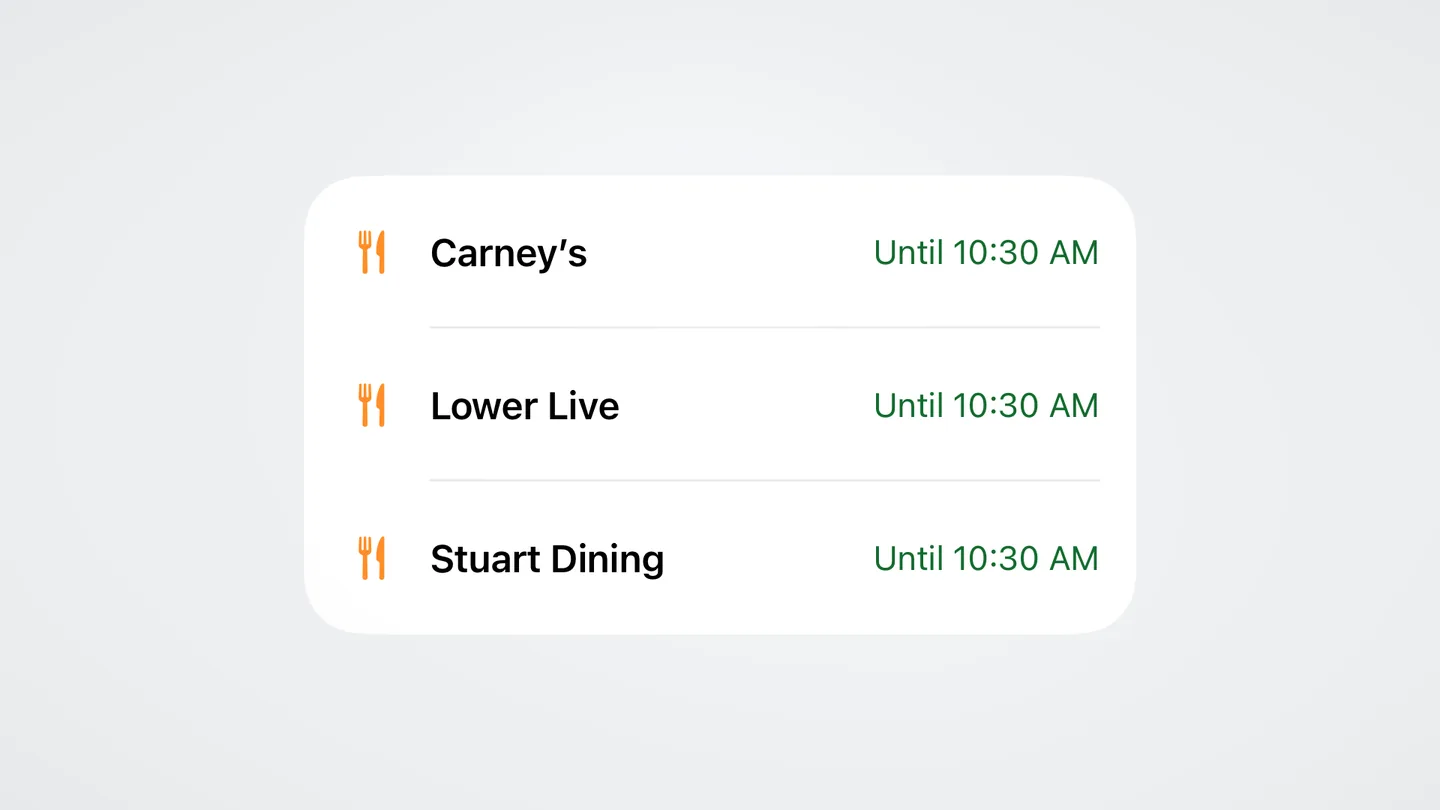
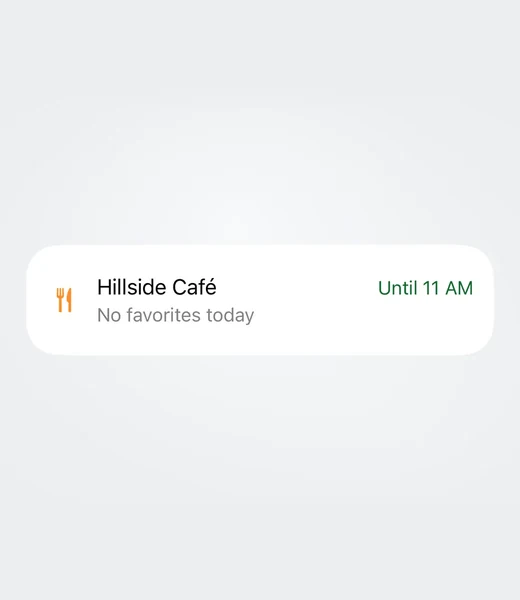
Dining. See locations and their hours together.
-
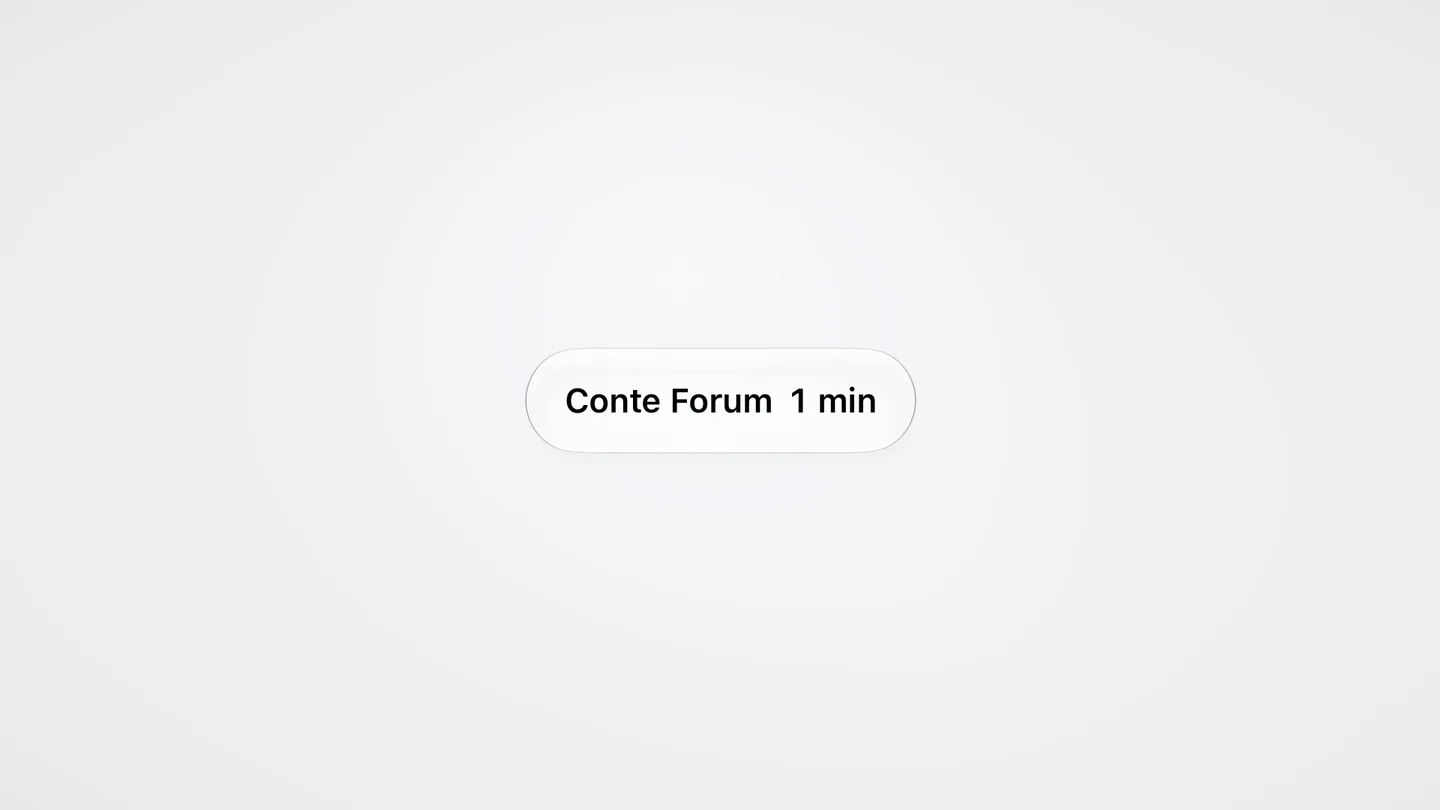
Shuttles. The stop and next arrival, at a glance.
-
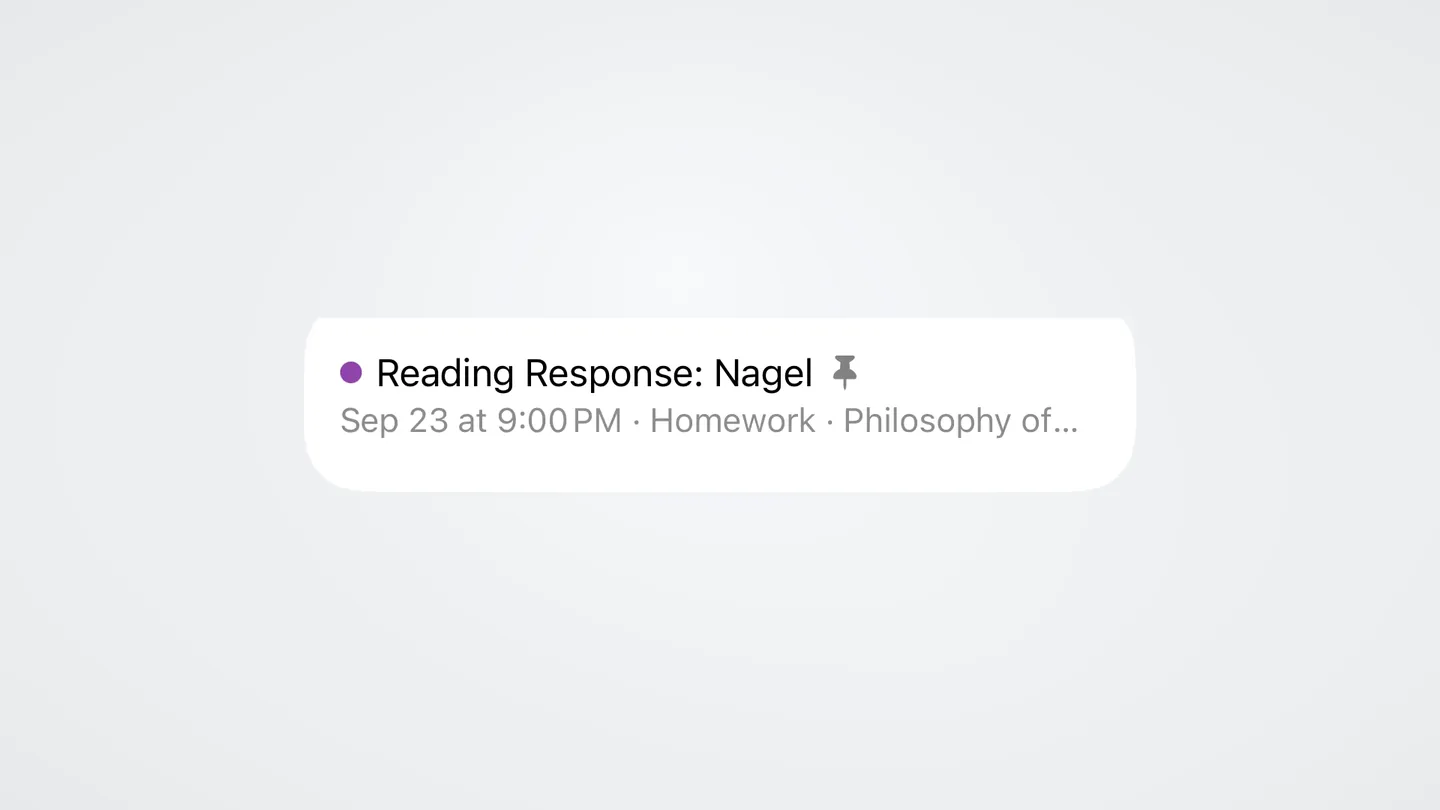
Coursework. See the assignment and when it’s due.
-
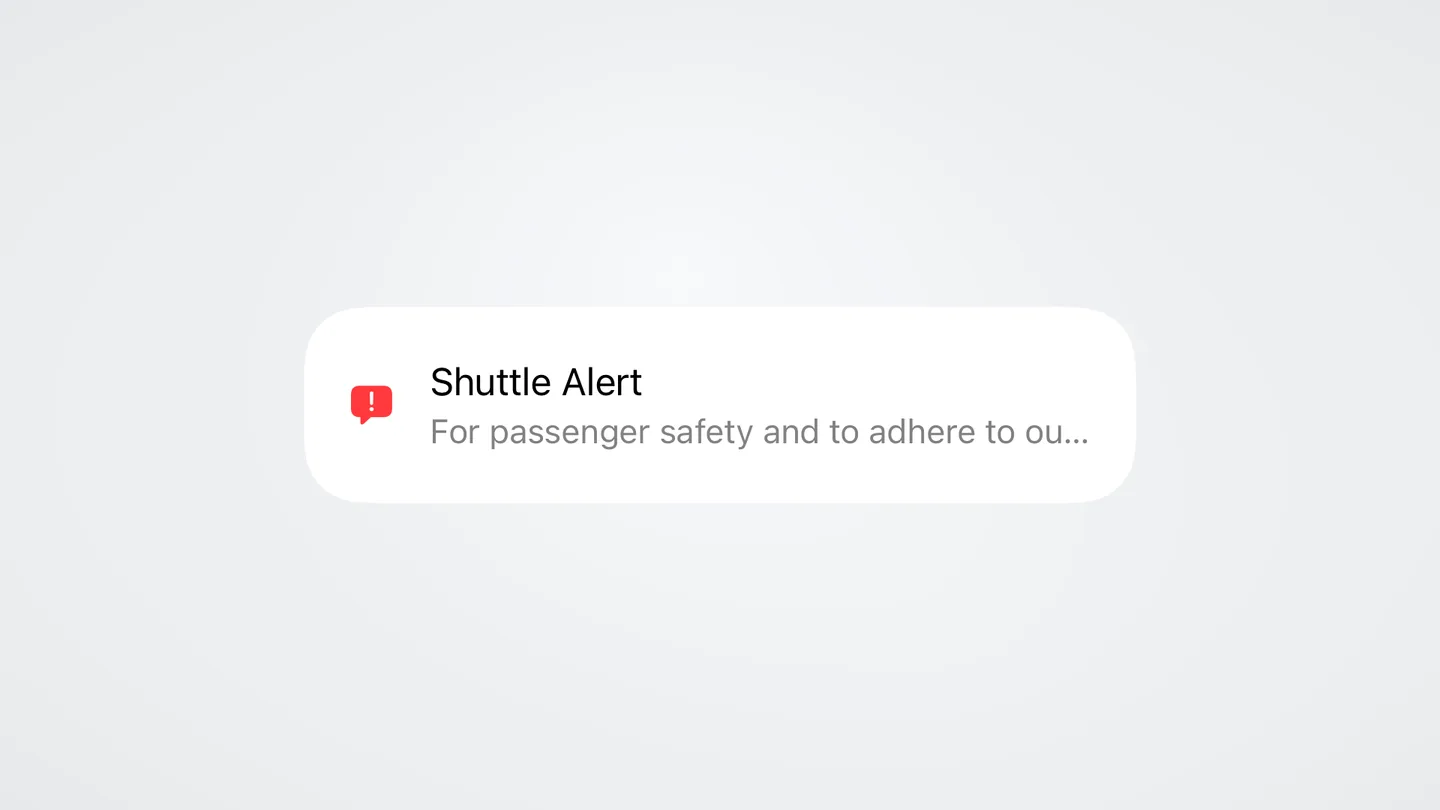
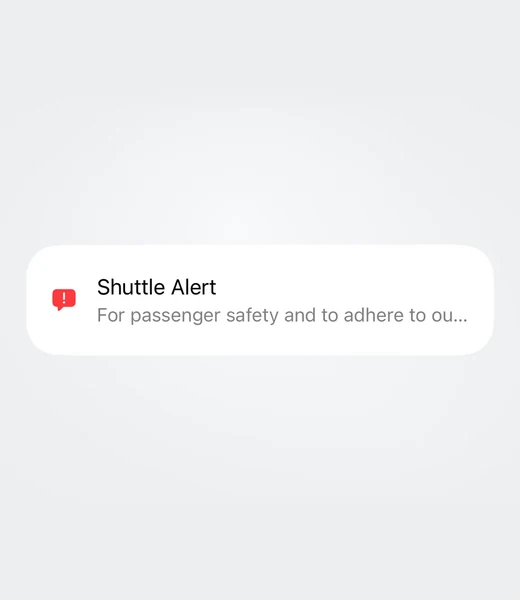
Alerts. A campus notice right on Home.
-
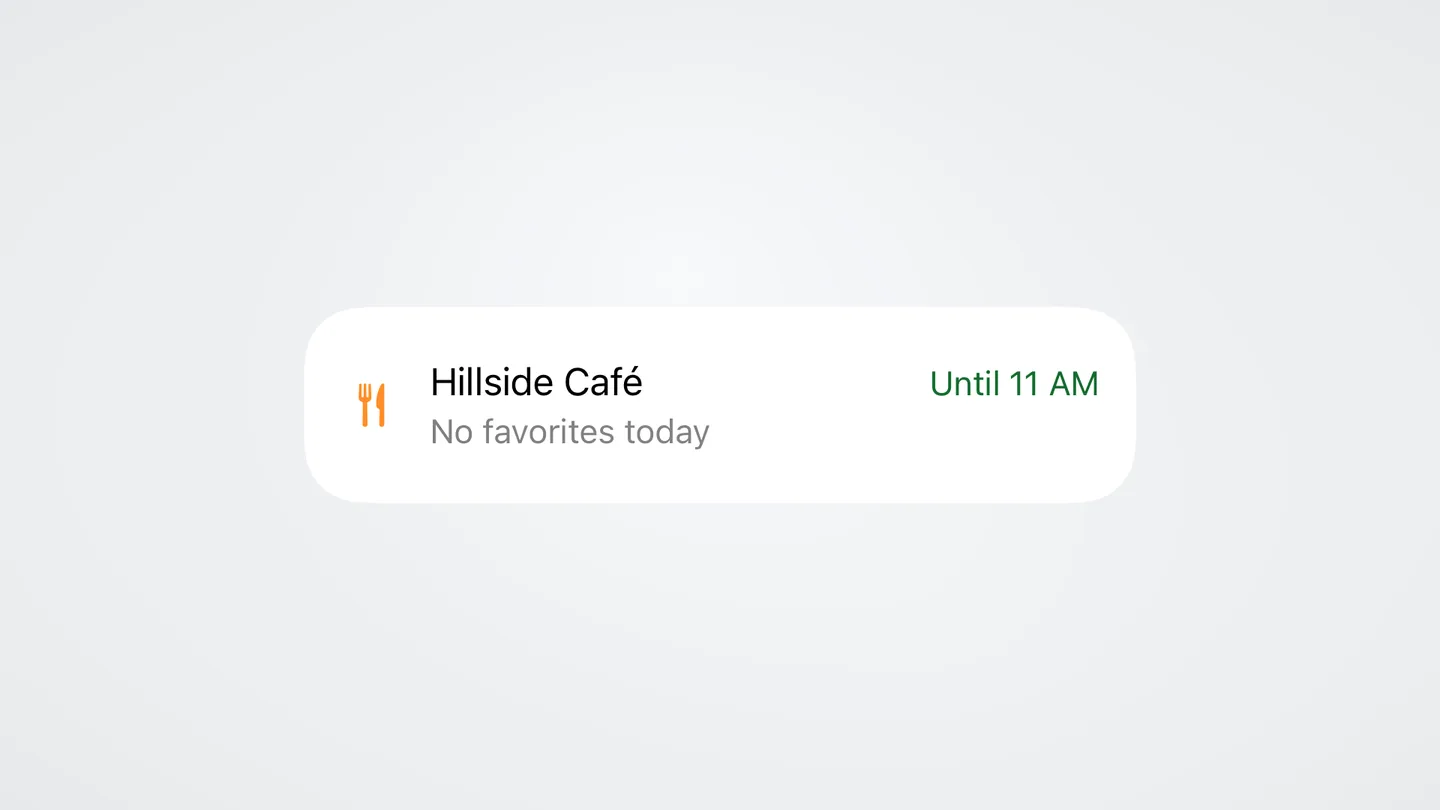
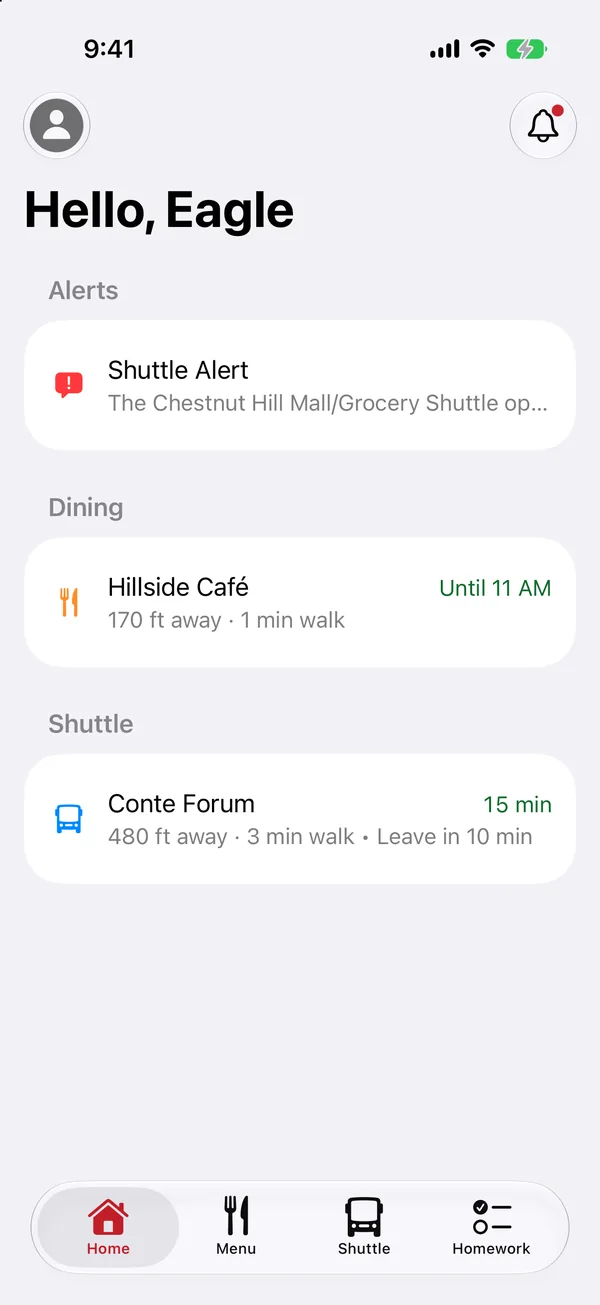
Your day. A dining card beside everything else on Home.
-
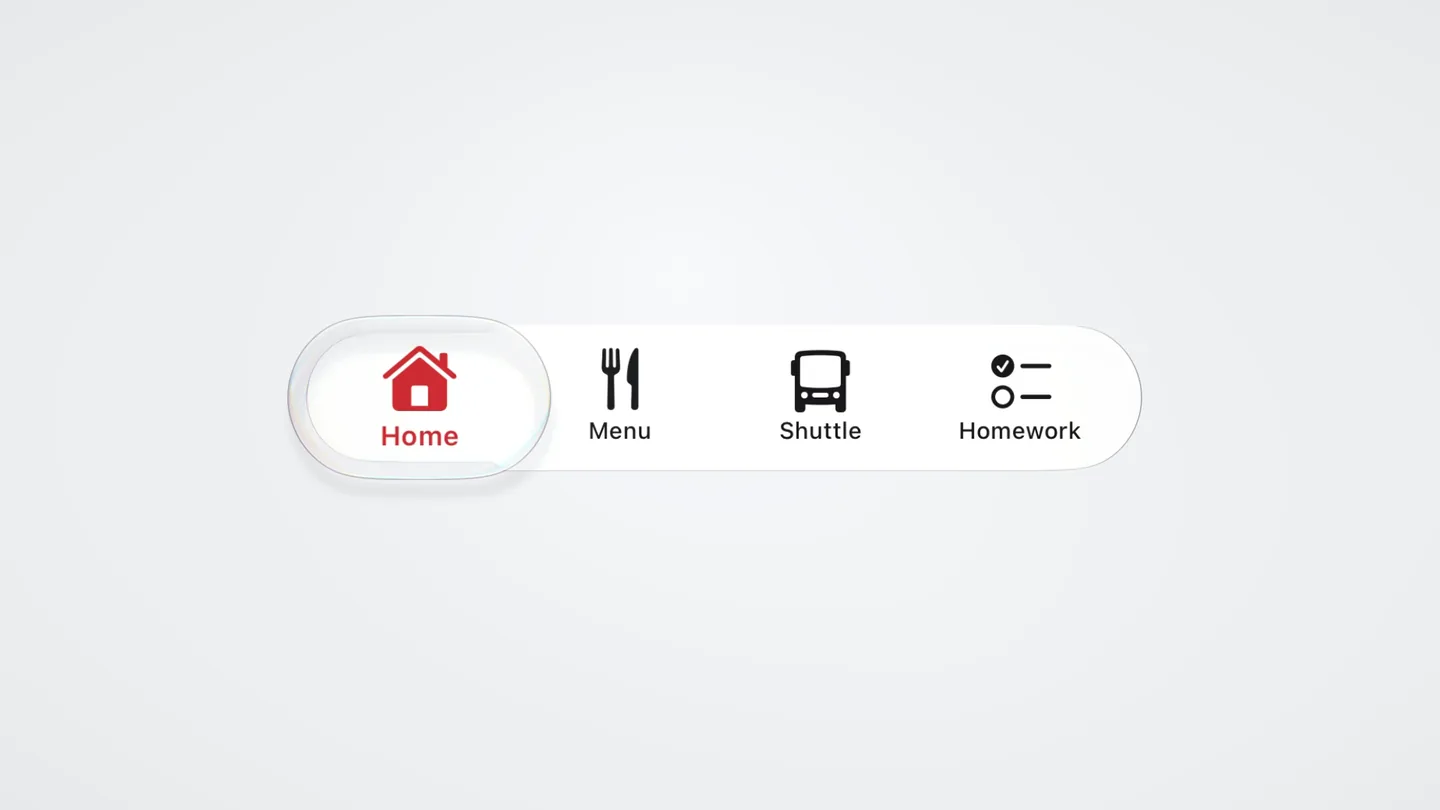
Navigation. Home, Menu, Shuttle and Homework in the tab bar.
-
Every station, every day.
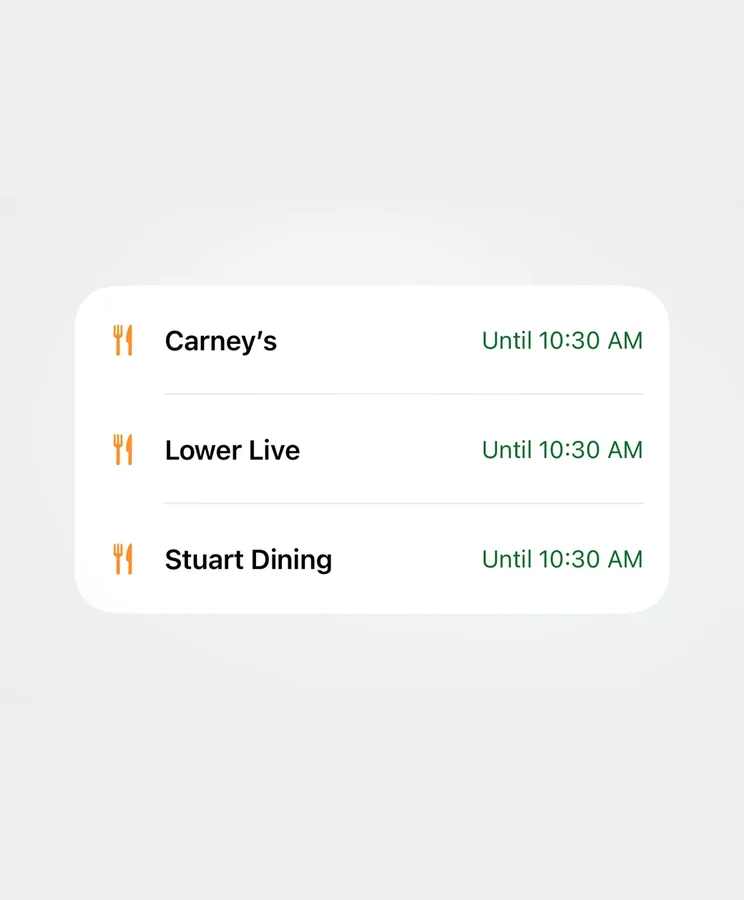
Dining locations
Each location has its name and hours in the list.
-
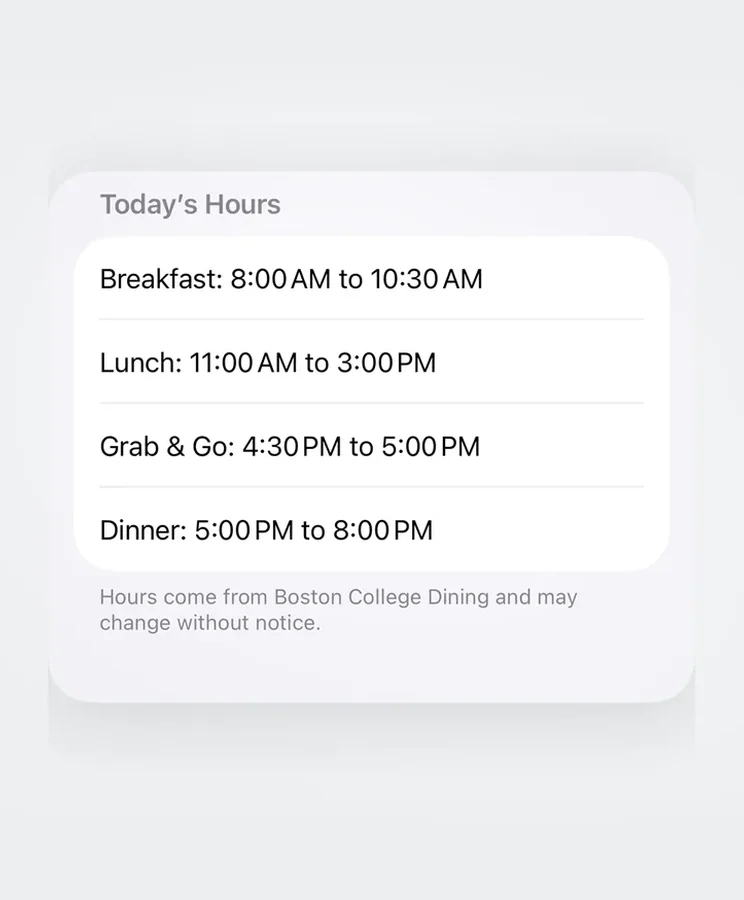
What’s open at this hour.
Right now
Hours per hall per day, so a closed kitchen never sends you across campus for nothing.
-
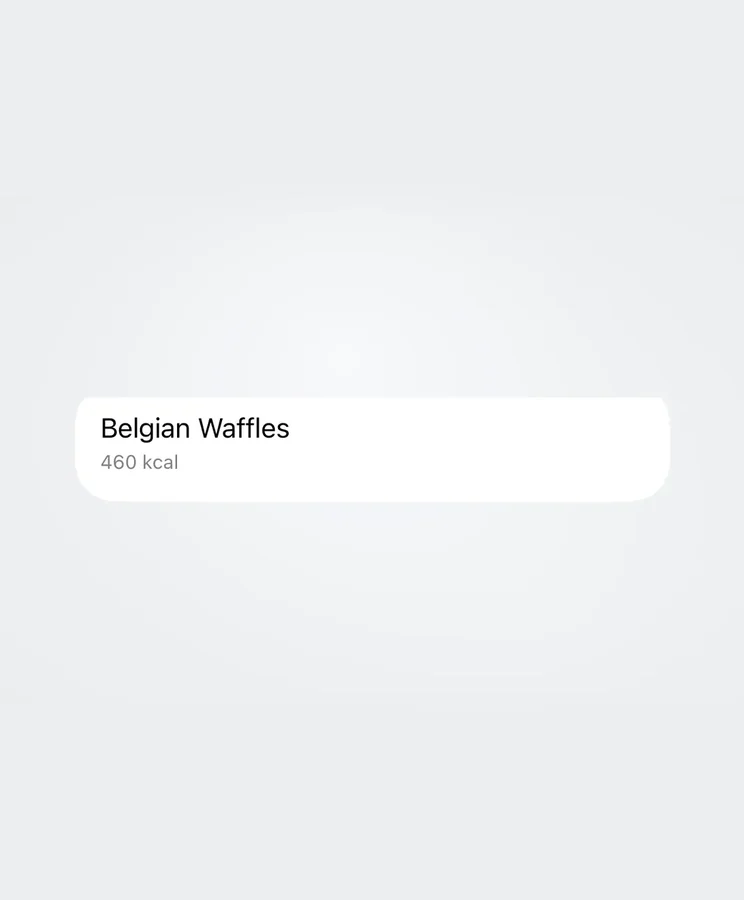
Save a dish you like.
Favourites
Swipe a dish to add it to Favorites.
-
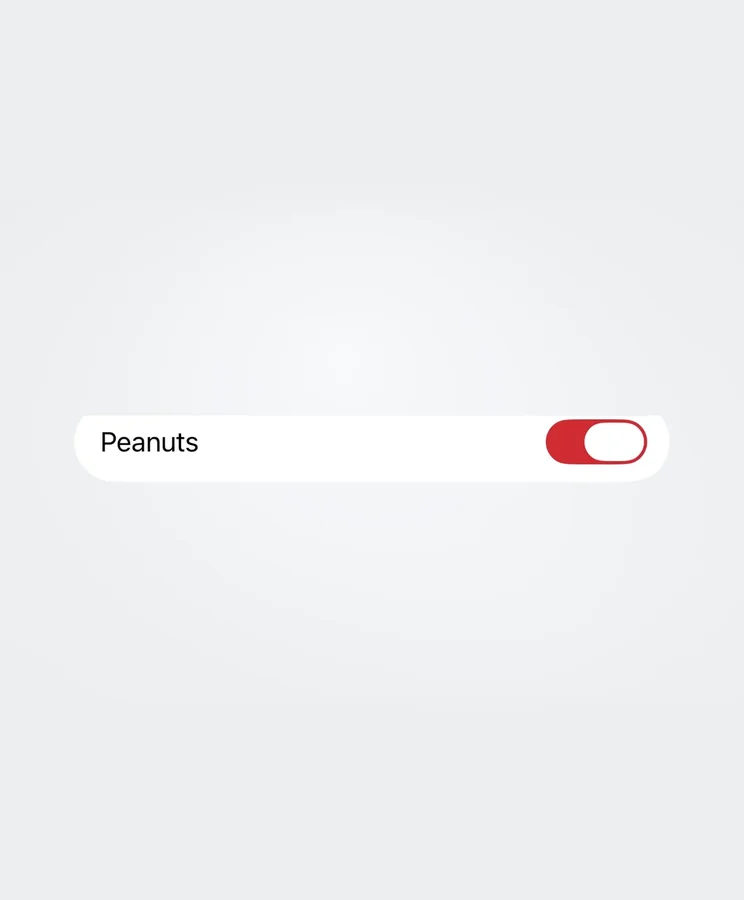
Filter what you can eat.
Filters
Set an allergen filter, like Peanuts, before browsing dishes.
-
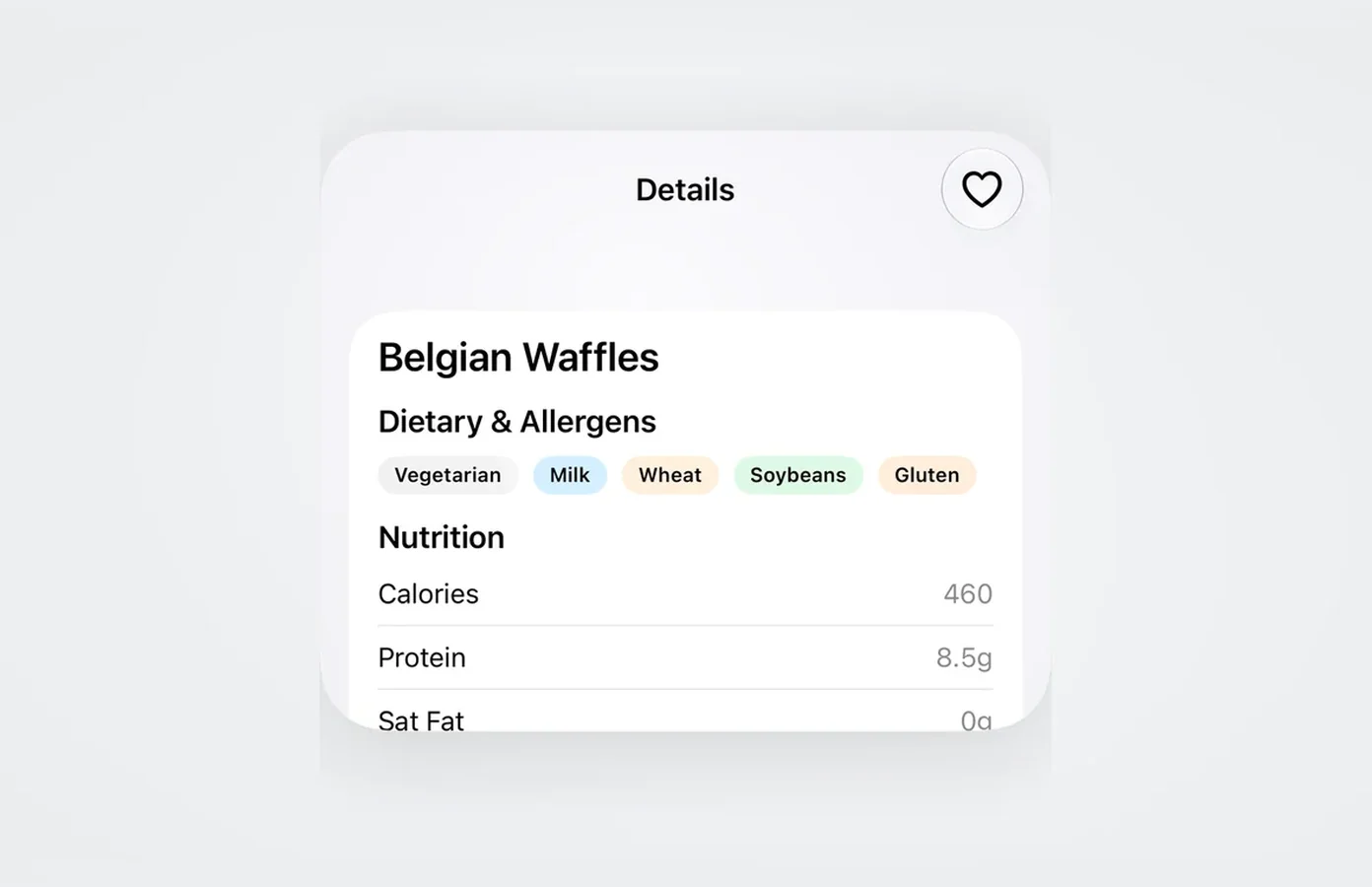
See what’s in a dish.
Details
Ingredients and dietary information together on the dish card.
-
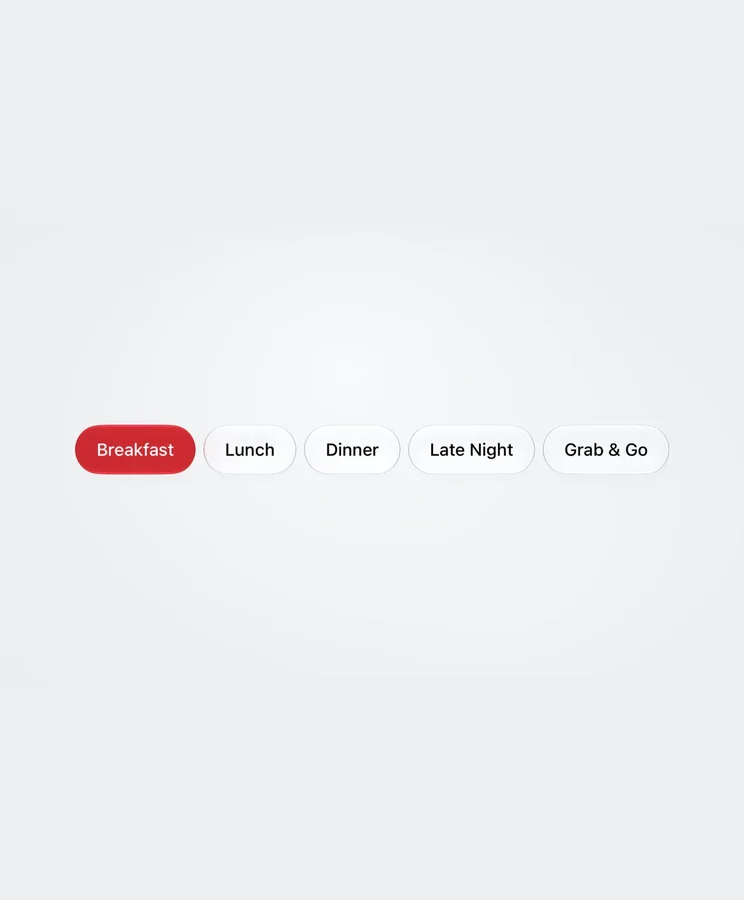
Pick the meal you’re looking for.
Meal periods
Switch between breakfast, lunch, dinner, late night and grab and go.
-
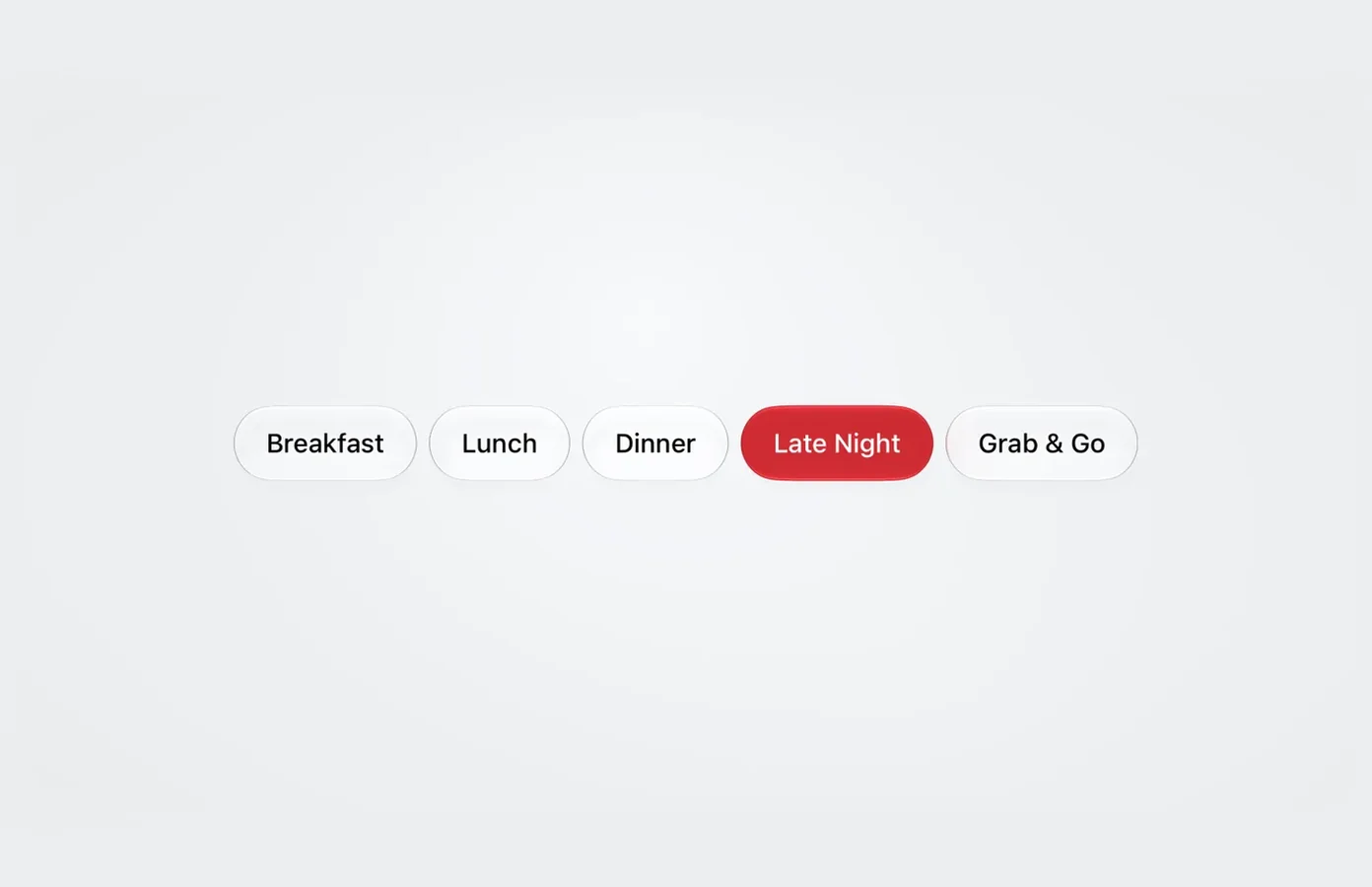
Find the late-night menu.
Late night
Choose Late Night to see what’s still serving.
-
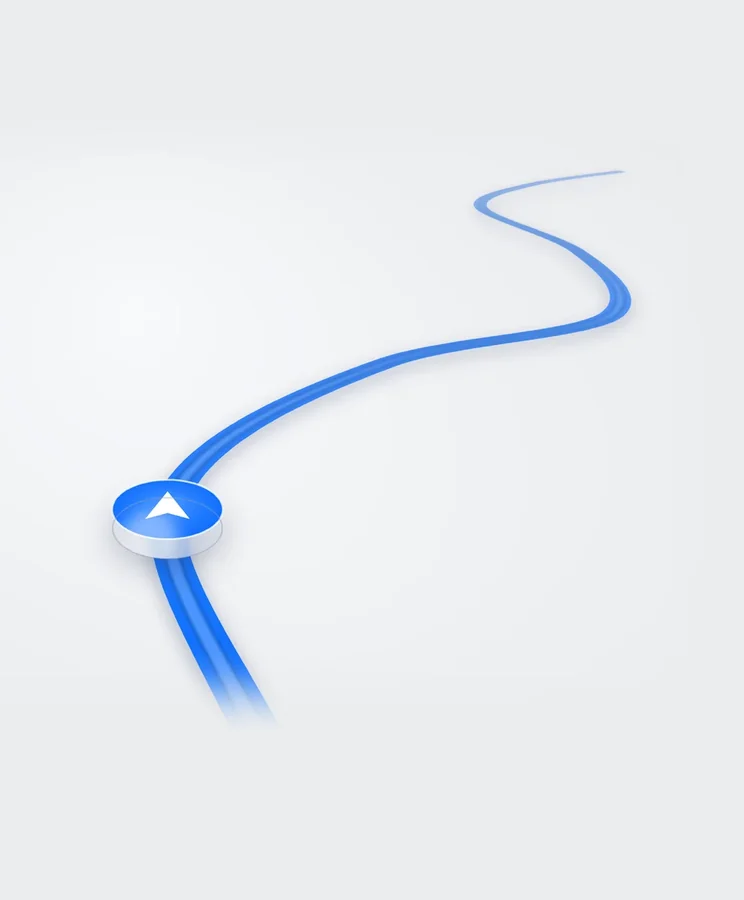
Where it is, not where it’s due.
Live
Vehicle positions on the map, updating as they move, for every route in service.
-
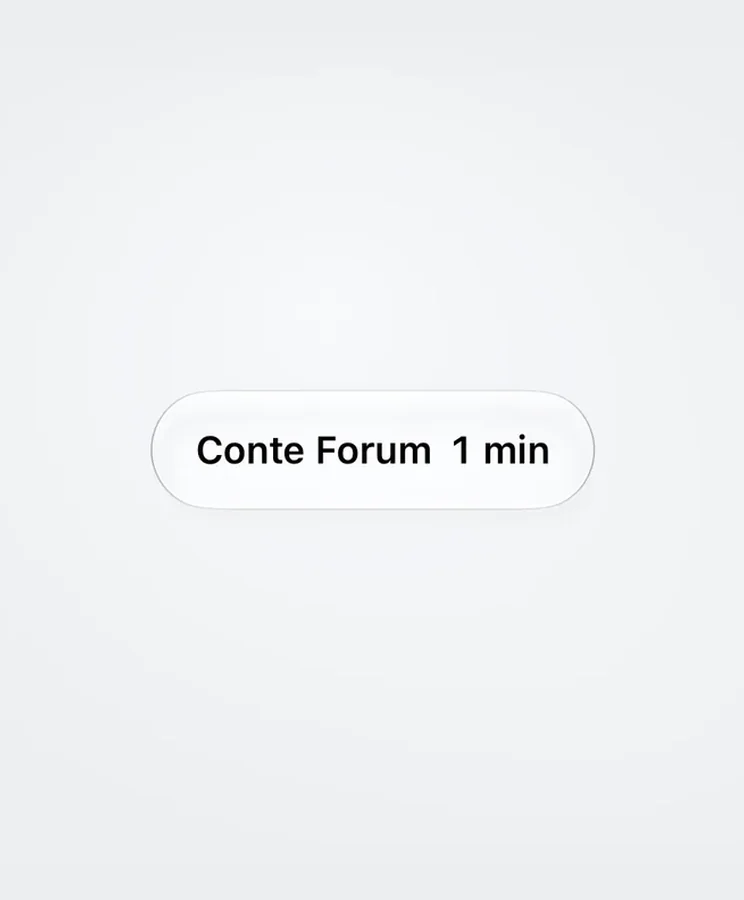
Next arrival at a glance.
Arrivals
The pill shows the stop and its next arrival estimate.
-
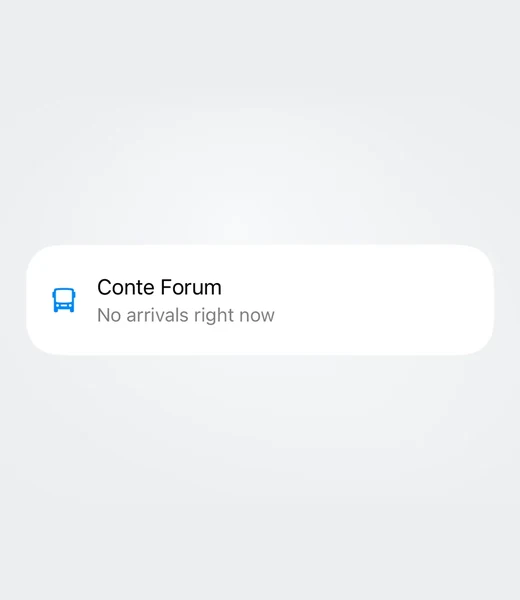
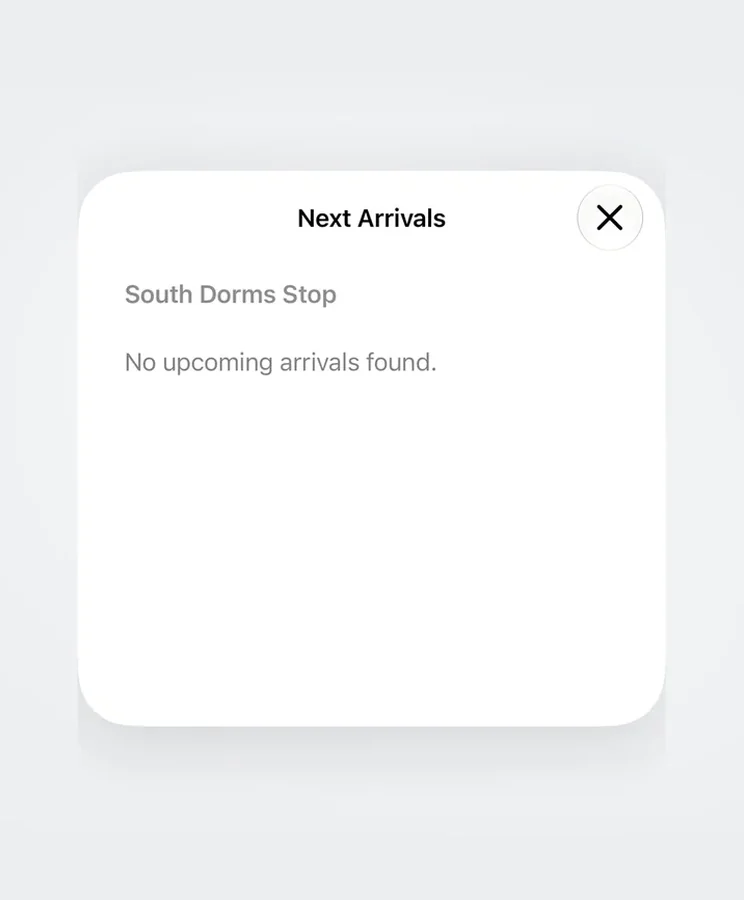
No bus coming? It says so.
No arrivals
The arrivals sheet shows when a stop has no upcoming buses.
-
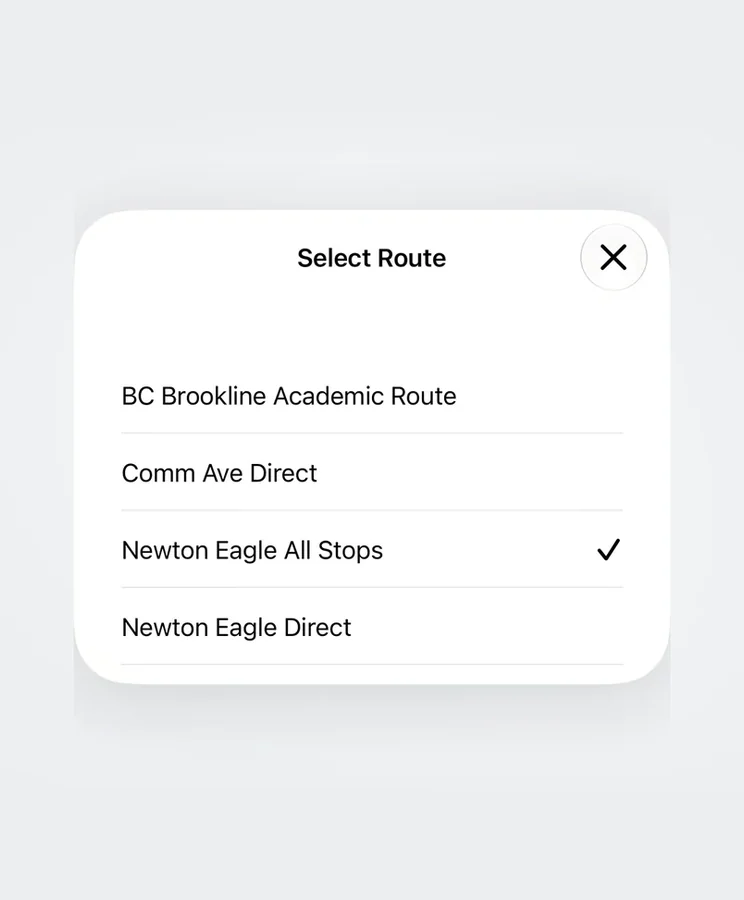
Every line, every variant.
Routes
Weekday, weekend and late-night patterns, including the ones that only run in term.
-
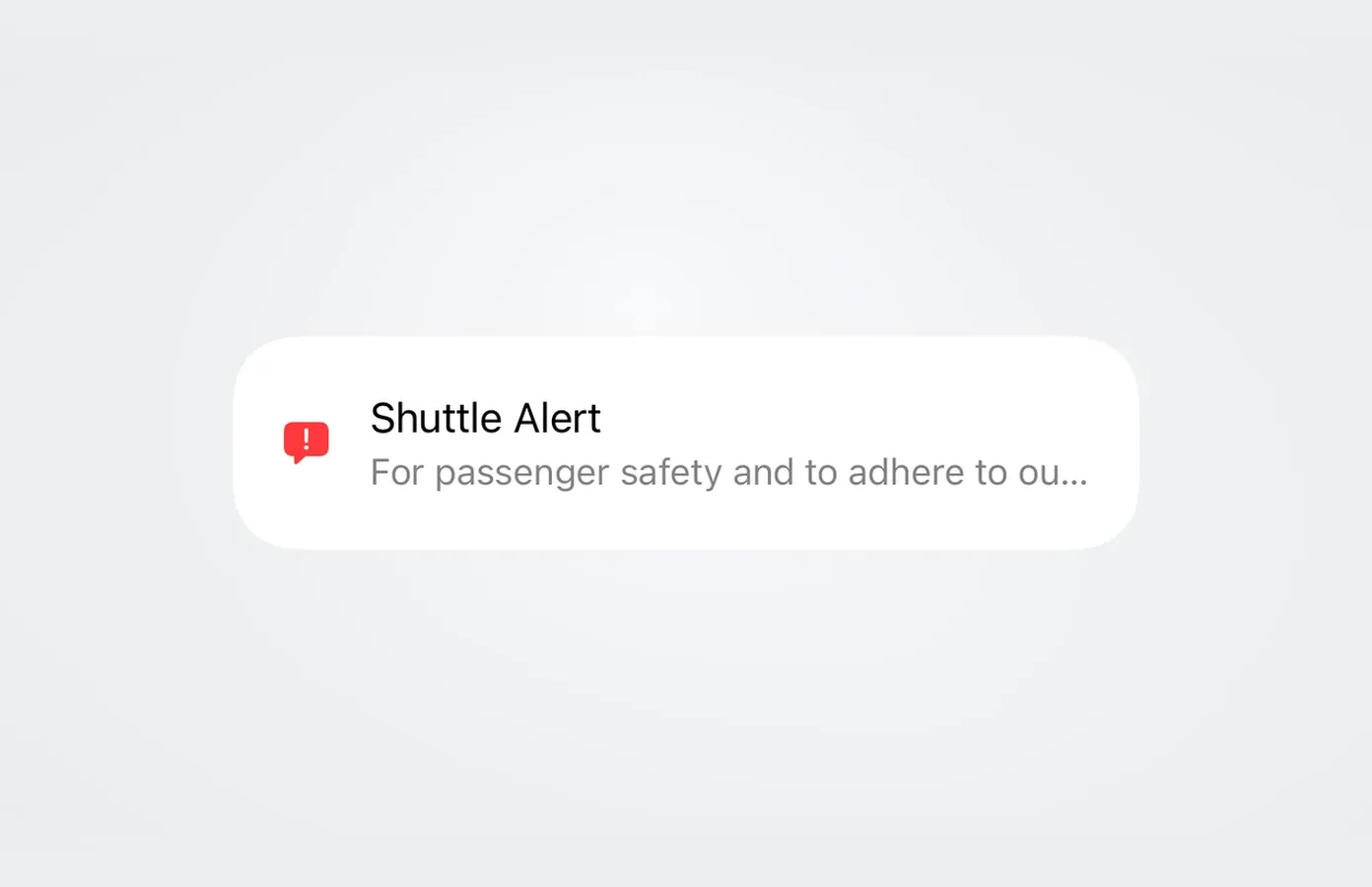
Notices on Home.
Alerts
A shuttle notice appears beside the rest of your day.
-
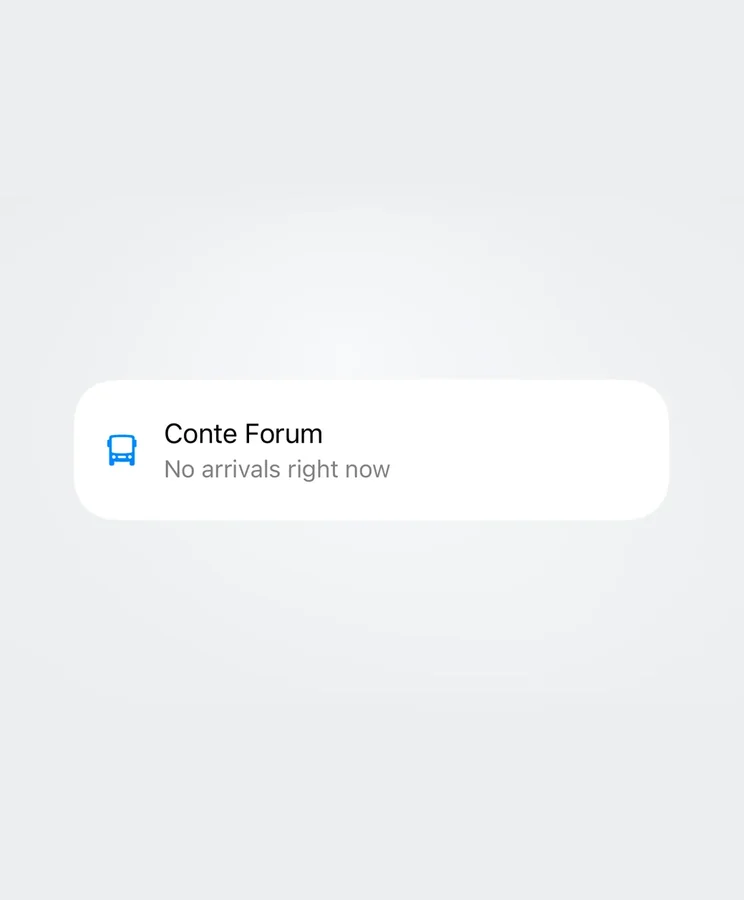
Nothing on the way.
No arrivals
The Home card can tell you when a stop has no arrivals right now.
-
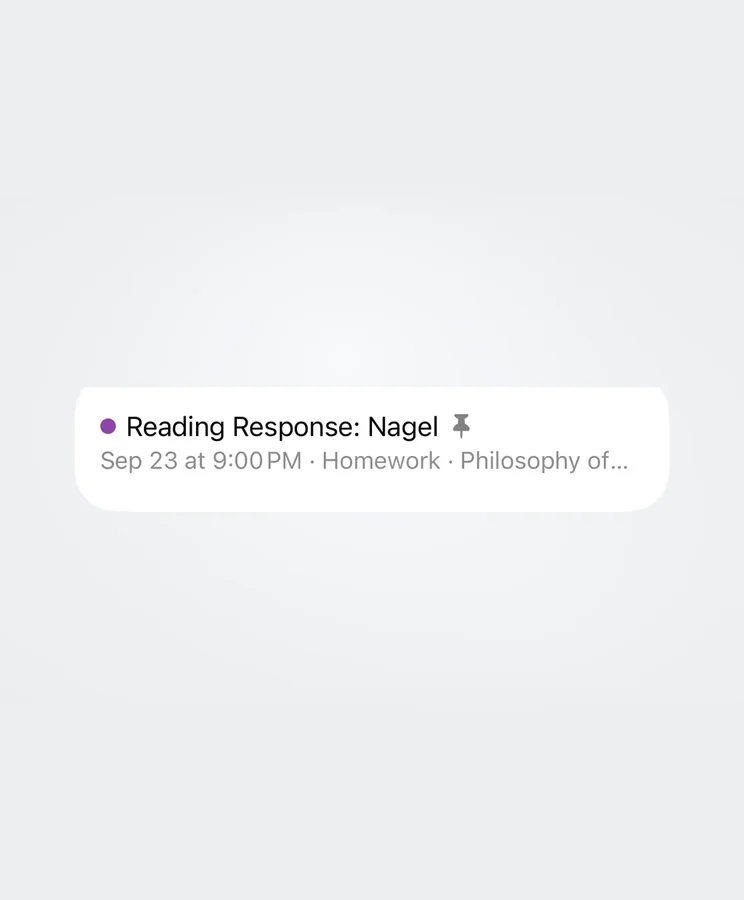
What’s due next.
Today
The assignment and its due time, together on one card.
-
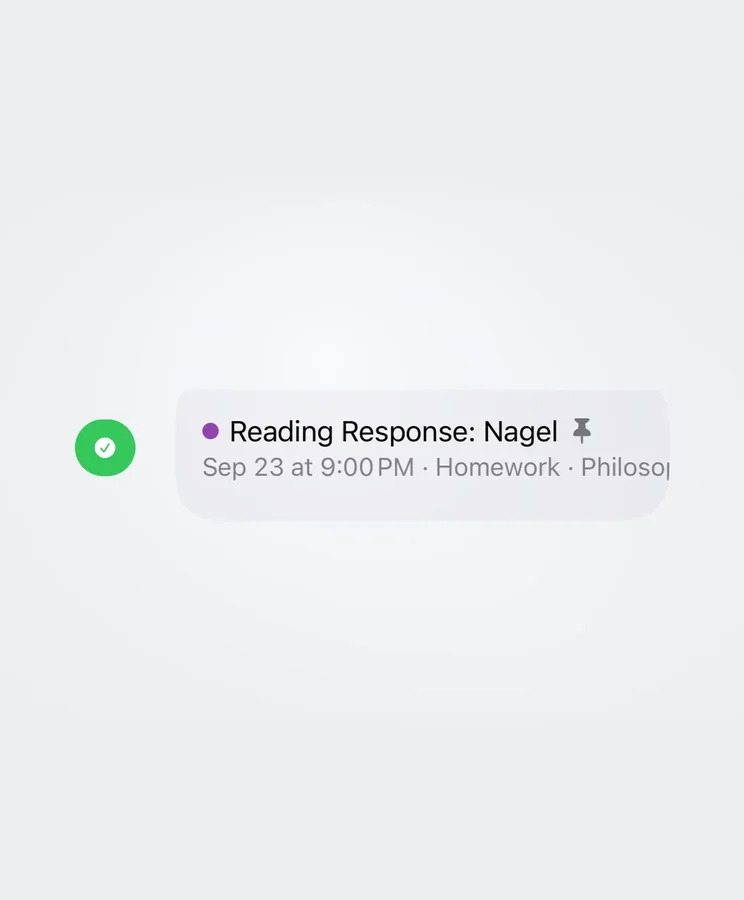
Swipe to finish it.
Swipe
A quick swipe starts the completion action.
-
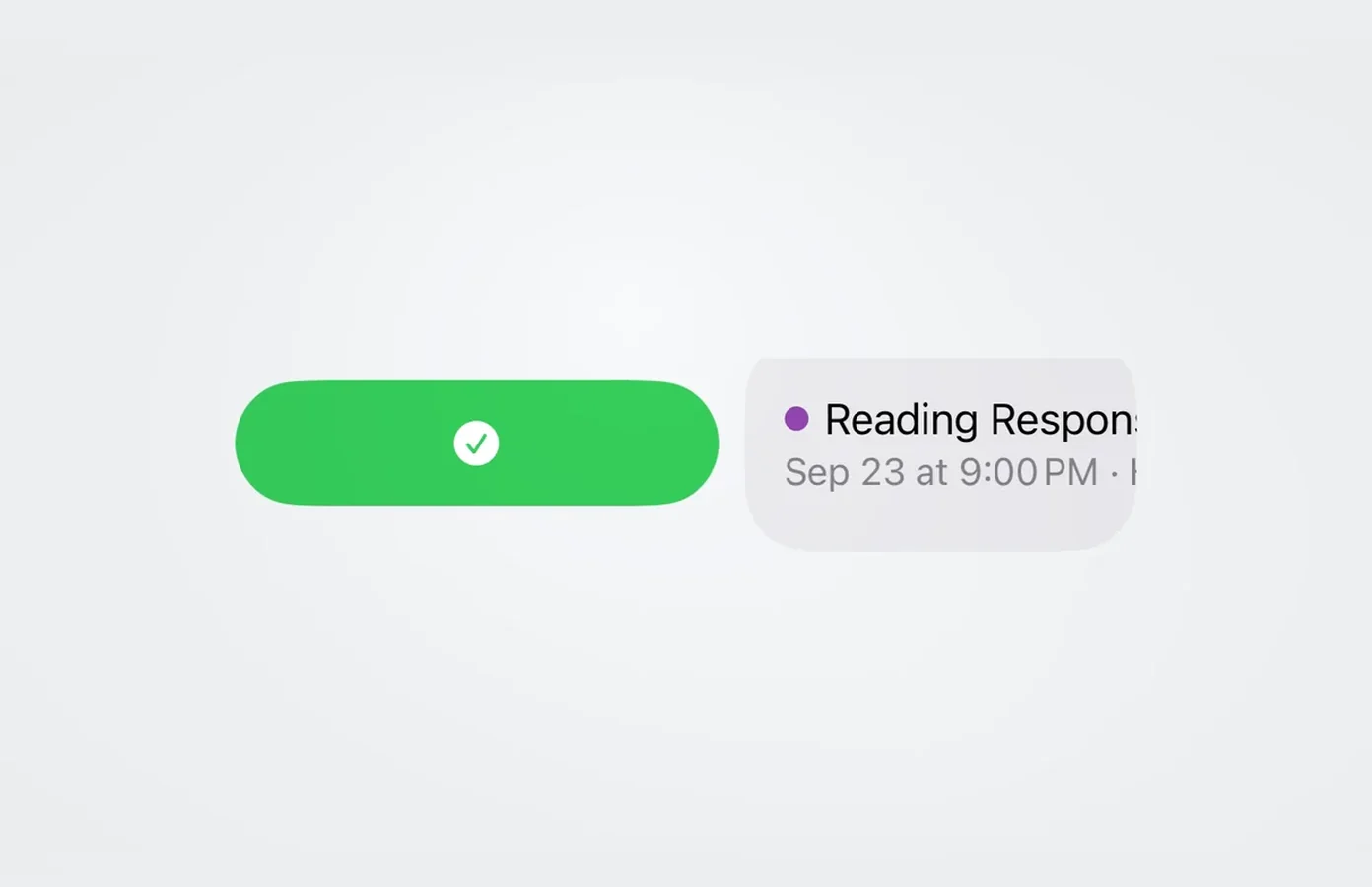
Complete in one motion.
Complete
The green action expands as you swipe across the assignment.
-
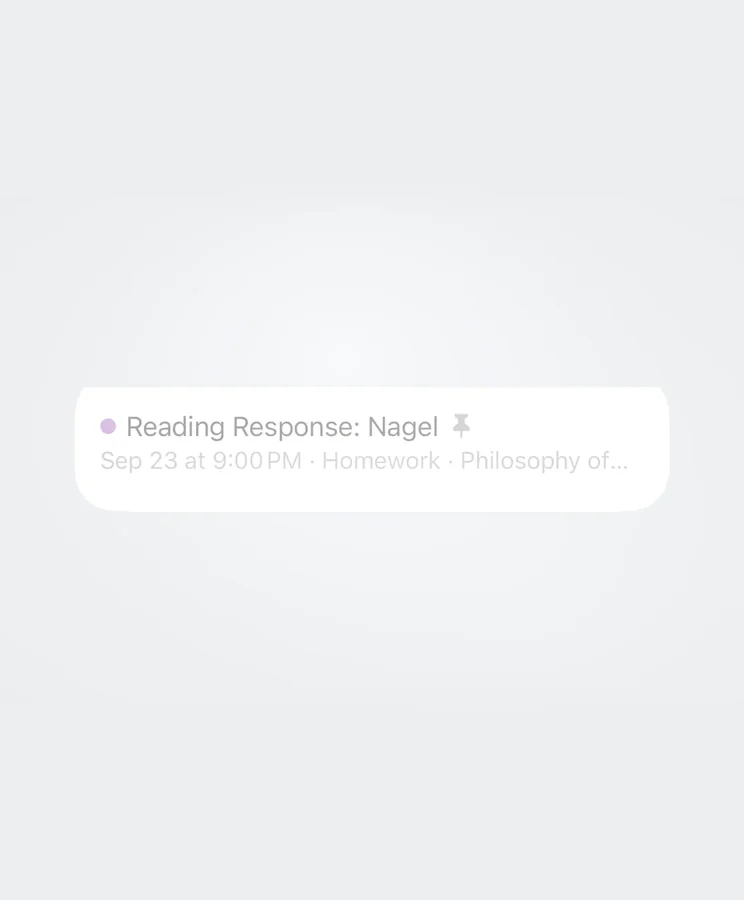
The part that feels good.
Done
Cleared work stays visible for a week, because seeing it go is half the point.
-
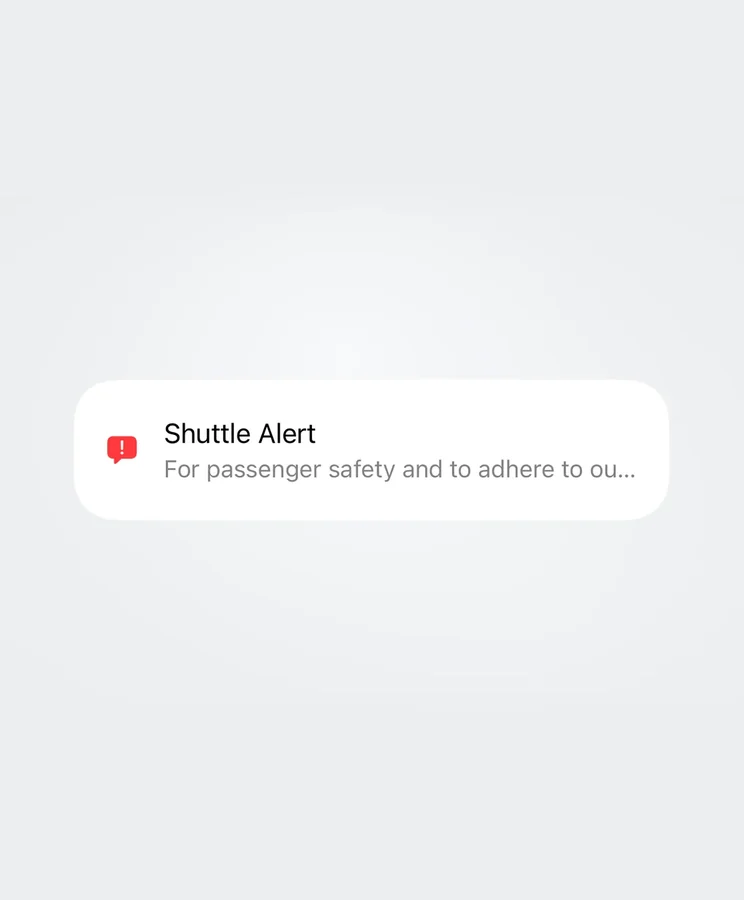
Straight from the source.
As posted
Shuttle notices arrive as TransLoc publishes them, each marked with where it came from.
-
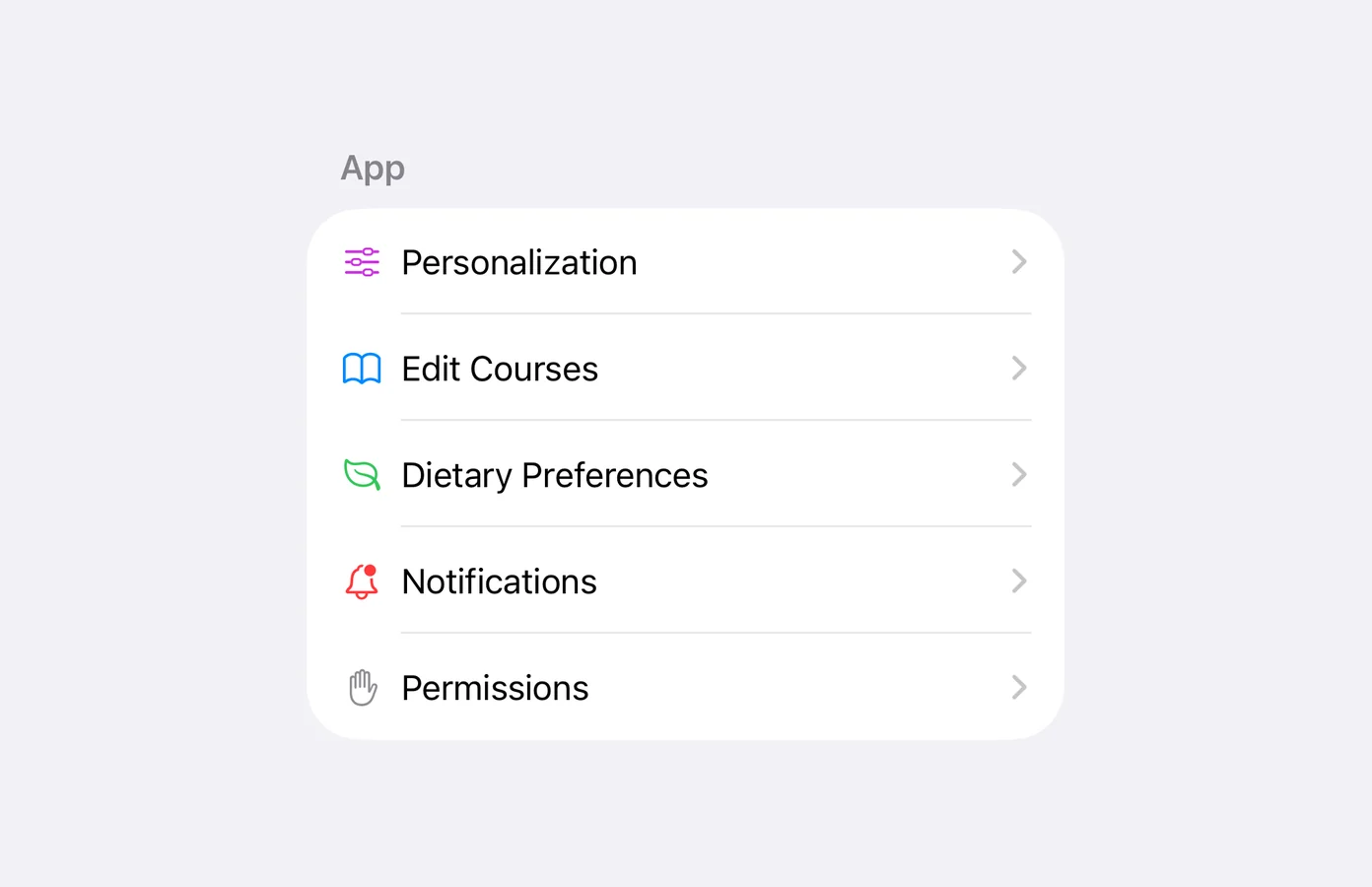
Only what you want to hear.
Per category
Shuttle, dining and homework notifications each switch off on their own, in Settings.
-
Use the official channels.
Not an emergency service
Eagle One is unofficial and can be delayed. For anything urgent, go to the university direct.
-
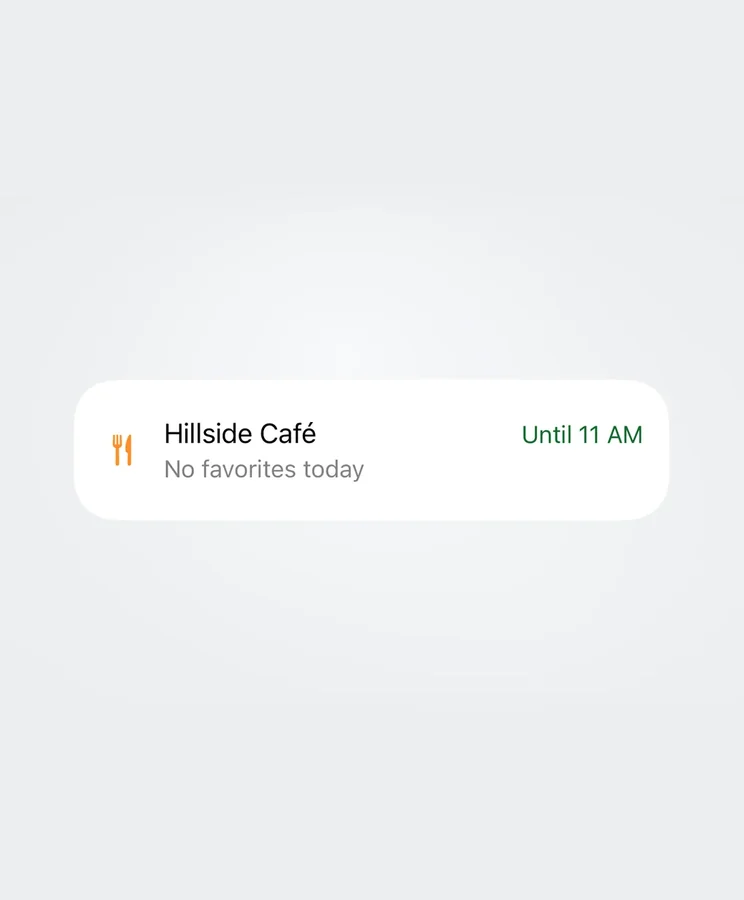
Before you’ve decided.
Morning
A dining card on Home shows what’s open right now.
-
Forty minutes to spend.
Between classes
The nearby shuttle card says when there are no arrivals.
-
Dinner and the walk home.
Evening
Switch to Late Night to see what’s still serving.